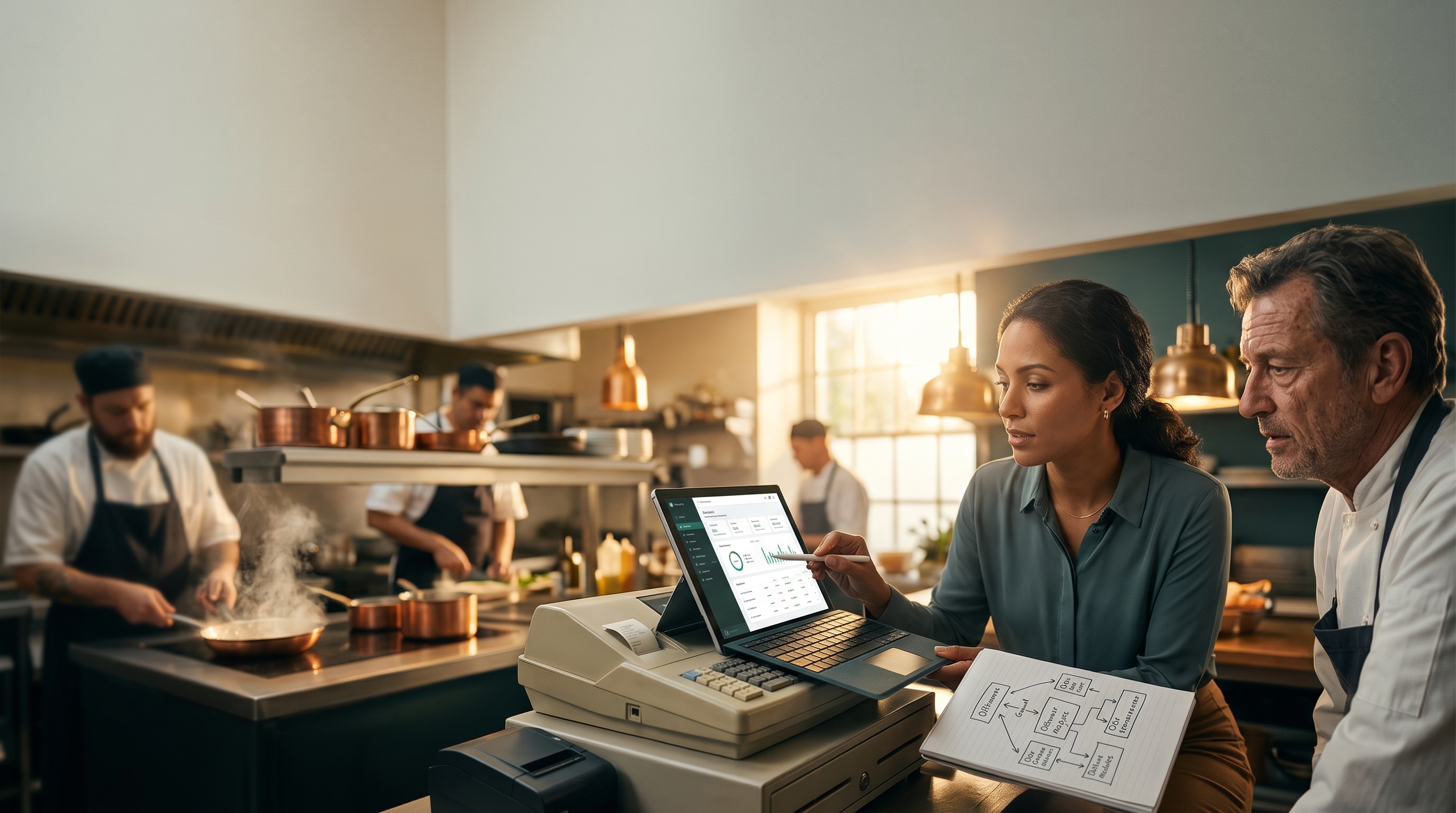
All-in-One Restaurant Management Software (Without Replacing Your POS)
Most "all-in-one" restaurant software means a new POS. If your register works, here's how to tell whether you need a new one or a desk on top of what you already run.
Your register works. Toast or Square takes cards, splits checks, fires tickets to the kitchen, and your servers could run it half asleep. Nobody on the team wants to relearn it.
And still, you pay for a website builder. A menu and QR tool. A scheduling app. Something for email and social. And at 11:40 at night, someone copies sales and labor out of two screens into a spreadsheet so you know how the day went.
So you search for all-in-one restaurant management software, and most of what comes back is a pitch for a new POS. This page sorts out what "all-in-one" usually means, when a new register actually makes sense, and when what you need is one desk on top of the systems you already run.
What "all-in-one" means when you search for it
Spend ten minutes on page one and three different kinds of product show up under the same phrase. They solve different problems. Knowing which one you're looking at saves a lot of demos.
1. POS-first platforms
Register, payments, kitchen display, online ordering, and often scheduling, inventory, and marketing, all built on one point-of-sale spine. Toast and Square both describe their restaurant products as all-in-one, and a crop of newer "restaurant operating system" vendors do too. It's a fair pitch: one vendor, one login, one menu that feeds every channel.
The catch is the entry fee. To get the "all," you adopt their POS. If you already run a different one, that means new hardware, retraining, and a contract to unwind.
2. Back-office platforms
Accounting, inventory, purchasing, and labor reporting that sit on top of many different POS systems. Restaurant365 is one example. These are built for the office: invoices, the P&L, food cost. They don't try to replace your register, and they generally aren't where your website, your online menu, or your guest marketing live.
3. An ops desk
The third lane gets the least airtime. An ops desk connects to the register you keep and pulls the guest-facing and team-facing work into one place: website, menu, schedule, marketing, and the nightly numbers. It doesn't process a card. It replaces the pile of apps around the register, not the register.
Quick gut check: if an article only compares Toast vs. Square vs. another POS, it's talking about lane one. If your register isn't the problem, lanes two and three are where to look.
The five rooms that still leak when the POS is fine
Most independent restaurants run a POS plus a handful of separate tools. Each tool works. The trouble is that the same fact lives in four places, and someone has to keep them in sync by hand. Here's where it usually breaks.
The website
Hours change for a holiday. The patio opens for the season. Getting that onto the site means logging into a builder nobody remembers the password to, or emailing whoever built it and waiting.
The live menu
You bump the Friday special by two dollars and 86 the halibut at 7:15. The floor knows. The POS knows. The website menu, the QR menu, and your Google listing may not find out until tomorrow, if at all. Guests notice before you do.
The schedule and the staff side
The schedule is in one app, shift swaps happen by text, sidework lives on a clipboard, and the tip pool math sits in someone's head or a spreadsheet. Each piece works on its own. None of them talk.
Marketing and leads
A private-event inquiry comes in through the website form and sits in an inbox over the weekend. The newsletter goes out when someone remembers. Nobody is doing anything wrong; there's just no single place where the next thing to send shows up.
The nightly numbers
Sales from the POS, hours from the scheduler, covers from somewhere else, pasted into a sheet at close. If it takes a person to compile, it doesn't happen on the busy nights, which are the nights it matters most. We walked through the most important of those numbers in how to calculate restaurant labor cost percentage, and why it should reach you every night instead of at month-end.
Notice what isn't on this list: taking a card, splitting a check, routing a ticket to the grill. If your POS handles those well, it isn't the leak.
Keep your POS or replace it? A simple test
Keep the register if…
- Payments, tips, and split checks work without drama.
- Tickets route to the right station and the kitchen trusts it.
- It holds up when the internet drops.
- Your staff is trained and fast on it.
- Switching would mean new hardware, retraining, and possibly an early-termination fee. Read your agreement; switching cost is real.
Consider a new POS if…
The register itself is the problem: fees you can't justify, hardware at the end of its life, or modules you'd have to rebuild anyway. That's a real decision with its own tradeoffs, and it deserves its own comparison. We're covering Toast vs. Square, and when keeping your POS and adding a desk on top beats both, in an upcoming post.
You need a desk if…
The leak is guest-facing (site and menu out of sync), team-facing (schedule, swaps, sidework, tips), or owner-facing (numbers that arrive late or not at all). A new POS might bundle some of this, but you'd be rebuilding the part that works to fix the parts that don't.
What "one desk" should feel like
Whatever you end up using, ours or someone else's, here's a checklist for anything that calls itself one system for the work around the register.
- One place to ask. "Bump the Friday special to $34." "86 the halibut." "Who's closing Saturday?" You shouldn't have to know which app owns the answer.
- Changes wait for you. Nothing publishes to your website, menu, or schedule until you approve it. You see what will change before it changes, and you can undo it after.
- One menu, everywhere. An 86 or a price change reaches the site and the online menu from one edit, not four.
- The numbers show up on their own. Sales, labor, and covers land at close of business without anyone transcribing them.
- It connects to what you run. It reads from your POS and scheduler instead of asking you to replace them.
- Someone can run it for you. Some owners want to drive. Others want a team to connect the systems and keep them running. Both should be on the table.
The approval step is the one to press vendors on. Software that edits your public menu or your staff schedule on its own is a liability on a Friday night. Software that stages the change and waits for your OK is something you can hand to a manager.
Where Apex fits
Apex Studio is the third lane: your website, menu, schedule, marketing, and numbers on one desk, connected to the POS you already have. Ask for a change, approve it, it's done. Nothing goes live without your OK, and every change can be undone.
The demo on our homepage shows it with a fictional restaurant called Harborview: a special gets bumped and an item gets 86'd, the change is staged, the owner approves it, and it's done. The demo is scripted; the pattern is the real product.
Apex is not a POS. It doesn't process cards or replace Toast, Square, or Clover hardware. It works alongside them.
You can start on your own. Rather have it done for you? Our team can connect the systems you already run and handle it for you. Either way, write to solutions@getapexinsights.com and tell us what you're running today.
Frequently asked questions
What is all-in-one restaurant management software?
All-in-one restaurant management software puts several restaurant jobs in one system instead of separate apps. In practice the phrase covers three kinds of product: POS-first platforms that bundle the register with ordering, scheduling, and marketing; back-office platforms that handle accounting, inventory, and labor on top of many POS systems; and ops desks that pull the website, menu, schedule, marketing, and nightly numbers into one place alongside the POS you keep.
Do I have to replace my POS to get one system?
No. POS-first platforms require it, because the register is the foundation of their product. Back-office platforms and ops desks connect to the POS you already use. If your register handles payments, tips, and kitchen routing well, you can bring everything around it into one place without switching.
What's the difference between a restaurant POS and an ops desk?
A POS runs the transaction: orders, payments, tips, and tickets to the kitchen. An ops desk runs the work around the transaction: the website, the online menu, the staff schedule, marketing, and the daily numbers. The POS is where the guest pays; the desk is where the owner and managers run the business.
What should stay in the POS, and what should live on a desk?
Keep anything tied to taking money in the POS: order entry, payments, tips, discounts and voids, and kitchen routing. Put the things your team edits and publishes on the desk: website content, menu and 86 updates for online channels, the schedule and shift swaps, sidework, marketing, and the nightly report.
When is a managed ops team worth it vs. doing it yourself?
Doing it yourself makes sense if you or a manager has a few minutes a day to ask for changes and approve them. A managed team makes sense when nobody has that time, when your current systems need to be connected and cleaned up first, or when you'd rather spend your hours on the floor. The approval step stays yours either way.
Unify the rooms that leak
"All-in-one" usually means starting over with a new register. For a lot of independent restaurants, that's the wrong fix. If the POS takes the card and fires the ticket, keep it. Look at where your team actually loses time: the website, the menu, the schedule, the marketing, the numbers at close. Those are the rooms that belong in one place.
If you are shopping for a register, the next question is Toast vs. Square vs. keeping what you have and putting a desk on top. That comparison is coming next.